Track and split bills with
Split bills and track shared costs for trips, homes and nights out. Add who paid, see who owes what, and share one link so everyone stays up to date.
- Free
- No ads
- No sign-up
Create your group
Just one bill? Split a receipt without a group.
Split one billSplit costs in three steps
Create a group
Name it and add the people sharing costs.
Add expenses
Add who paid and who it was for.
Pay each other back
See who owes what, in the fewest payments.
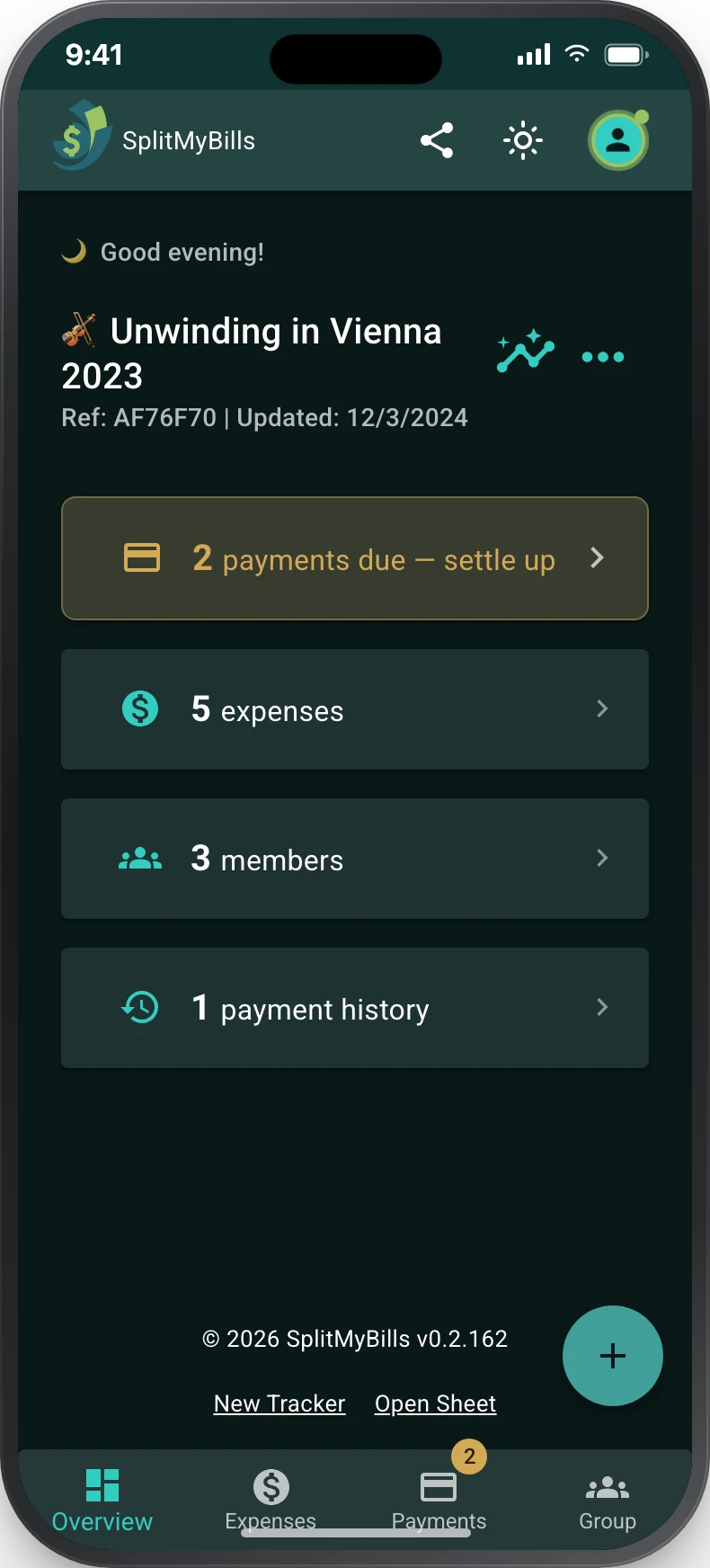
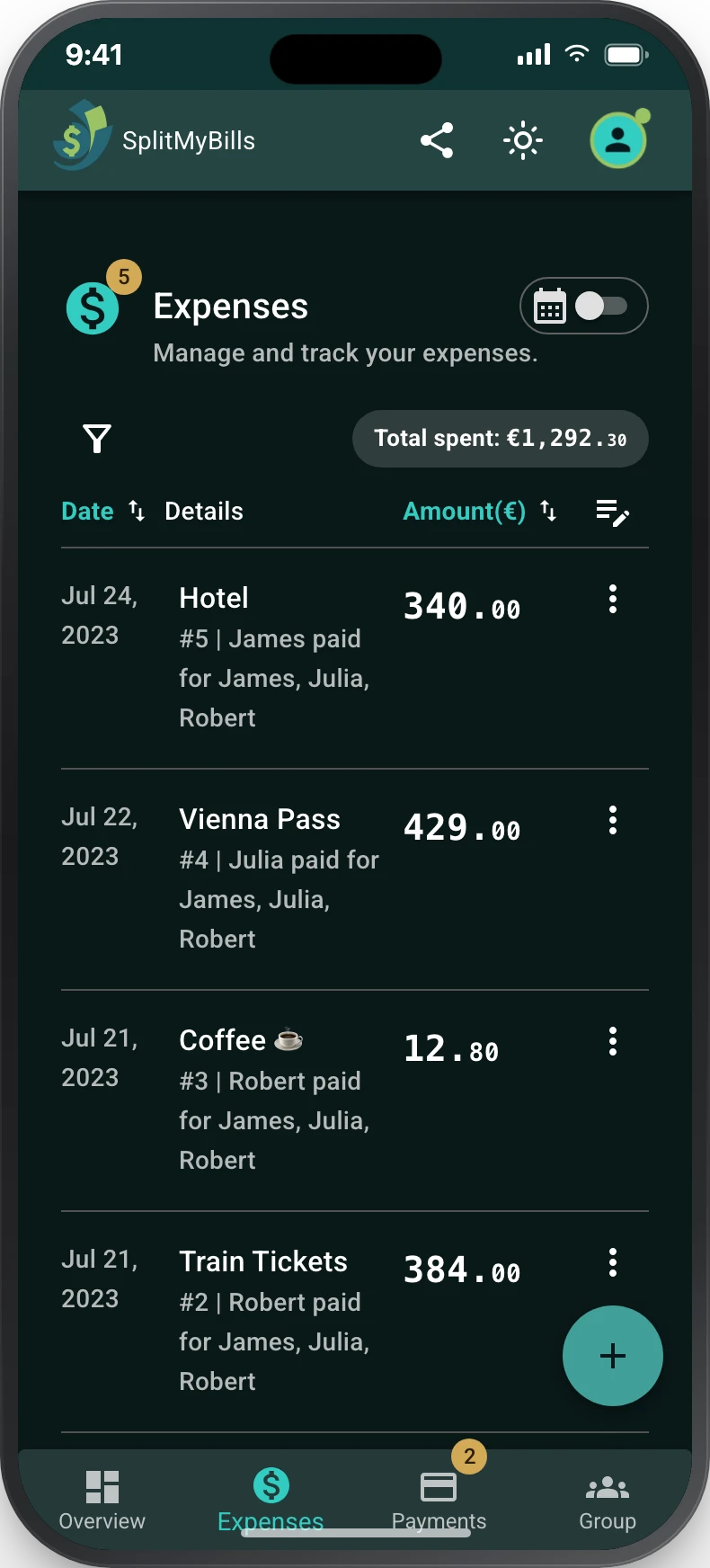
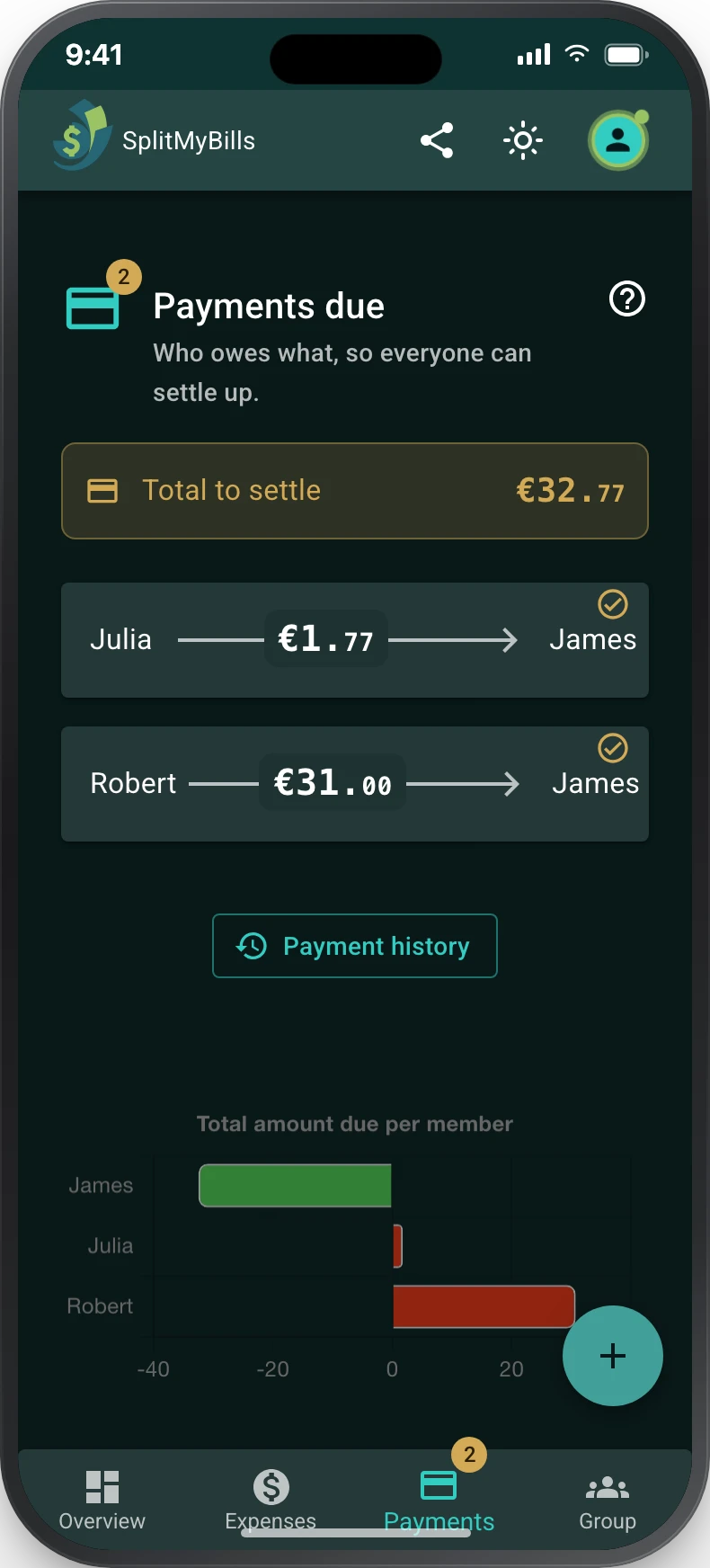
A shared expense tracker for groups
Instant balances
Balances update as soon as you add an expense.
One link for everyone
Everyone can view and add expenses. Keep the link to get back in.
Free for good
Every feature is free. No paid plan.
Split expenses for every occasion
Trips, homes, dinners, gifts: anything people pay for together.
Bill splitter
Split a receipt by item
Take a photo of the receipt, choose who had what, and send everyone their share. Tax and tip included.
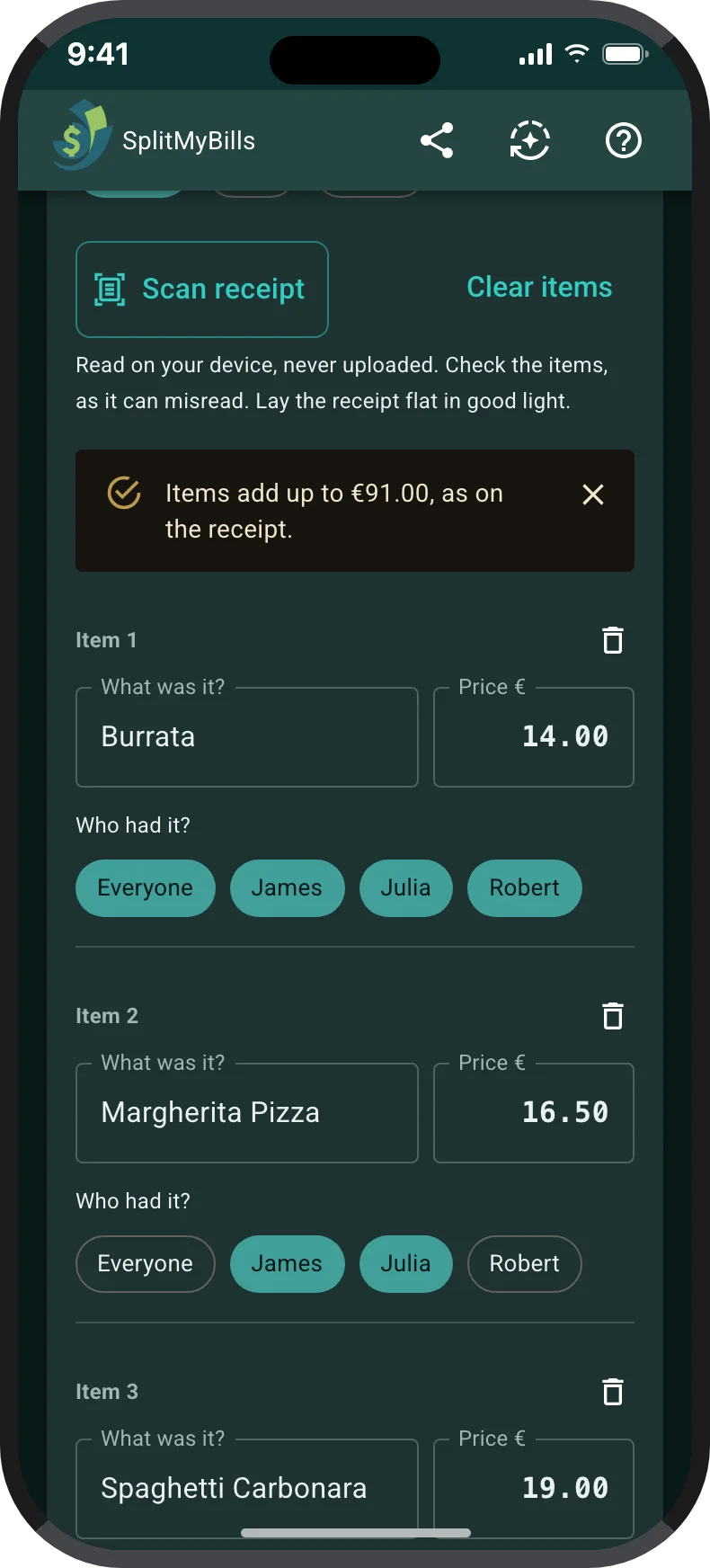
1.Scan the receipt
Items and prices fill in. The photo stays on your device.
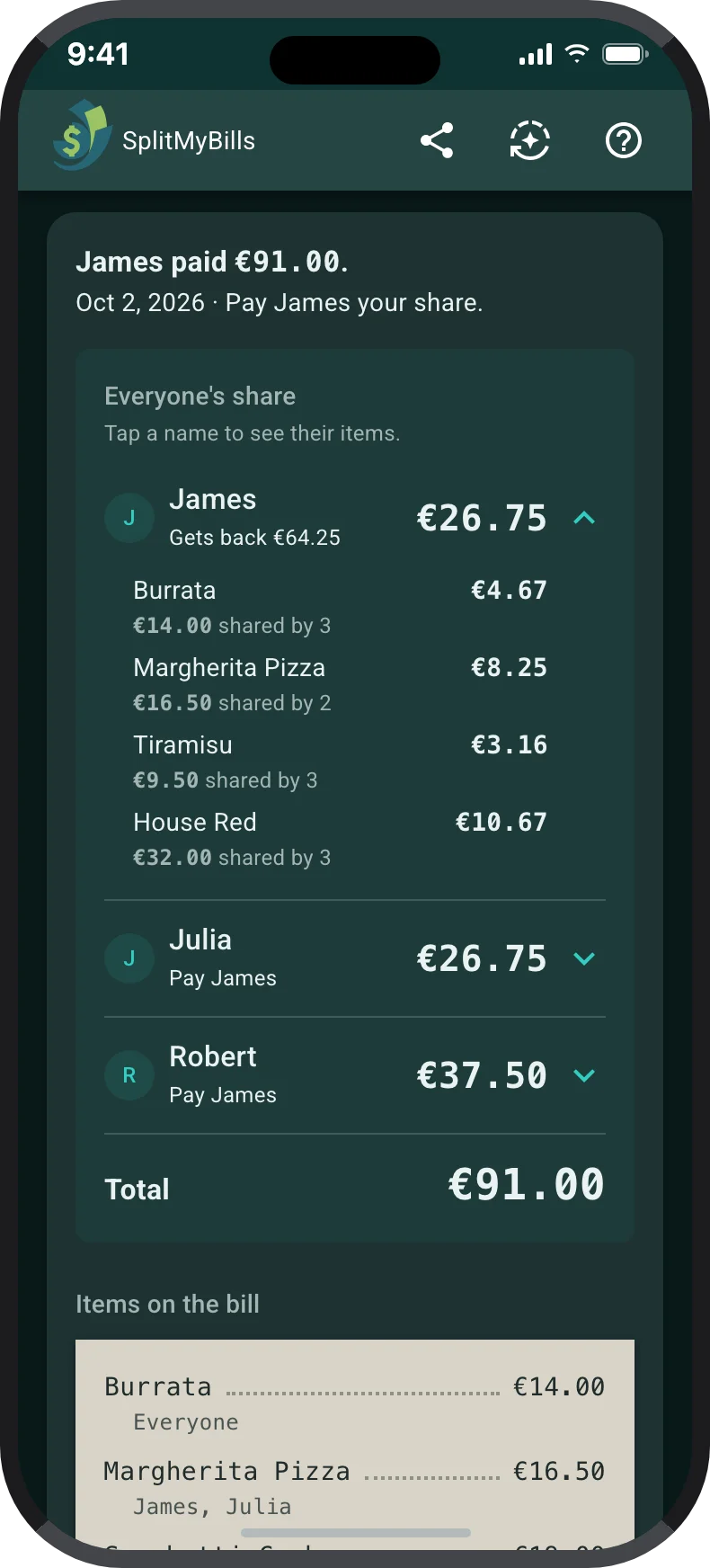
2.Share the split
Everyone sees what they owe.
Everything your group needs to split bills
Split each cost your way, then see who owes what.
Flexible splits
Split equally, by percentage or by exact amounts.
Split by item
Choose who had each item on a receipt.
Tip and tax
Add tip and tax to any expense.
Paying back
See who owes what and mark payments as paid.
Repeating bills
Add rent once and it repeats for you.
Any currency
Pick your group's currency and convert the rest.
Bill splitting questions
Create a group and add the people sharing costs. Then add each expense: who paid and who it was for. You'll see who owes what, and how to pay it back in as few payments as possible.
No. Send them your group's link. They can see and add expenses in their browser.
Yes. Every feature is free, with no ads and no paid plan.
Yes. Split by percentage or by exact amounts, and add tip and tax. For a restaurant bill, take a photo of the receipt and choose who had each dish.
Yes. Set an expense to repeat, from daily to yearly, and it's added for you each time.
Use the bill splitter. Take a photo of the receipt or type the items, choose who had each one, and send the link. No group or sign-up needed. To split one total evenly with a tip, use the tip calculator.
Free bill splitting
Split shared costs with your group
Start a free group. No sign-up, no app to download.
Start a free group